
Using the latest version. Loaded two pretty bug Photoshop gradients into it to extract color lists. There is NO progress dialog or spinning ball indicating it is working. It isn’t locked up, as far as I can see in Activity Monitor. See screen capture. The app isn’t providing feedback that it is working and instead appears to be locked up, but I don’t think it is. Why isn’t the app showing it is working?
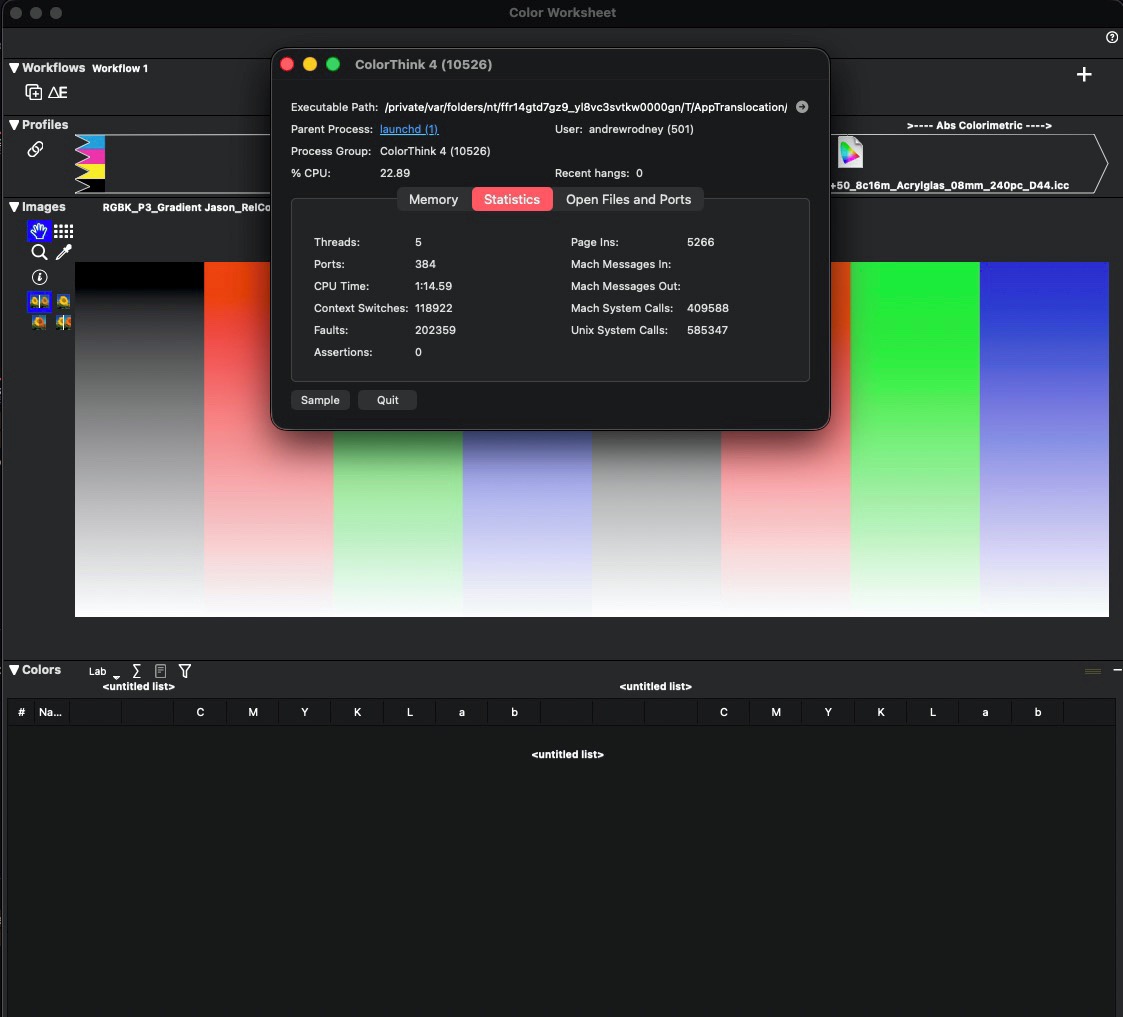
The color list did get generated, so there was no lockup. When I asked for a dE report, the same behavior: no indication it is working. So this is a ‘bug/issue’ with the app reporting it is working. Running a Mac Studio- Apple M4 Max chip with 16‑core CPU, 40‑core GPU, 16‑core Neural Engine-64GB unified memory - 1TB SSD, latest macOS.
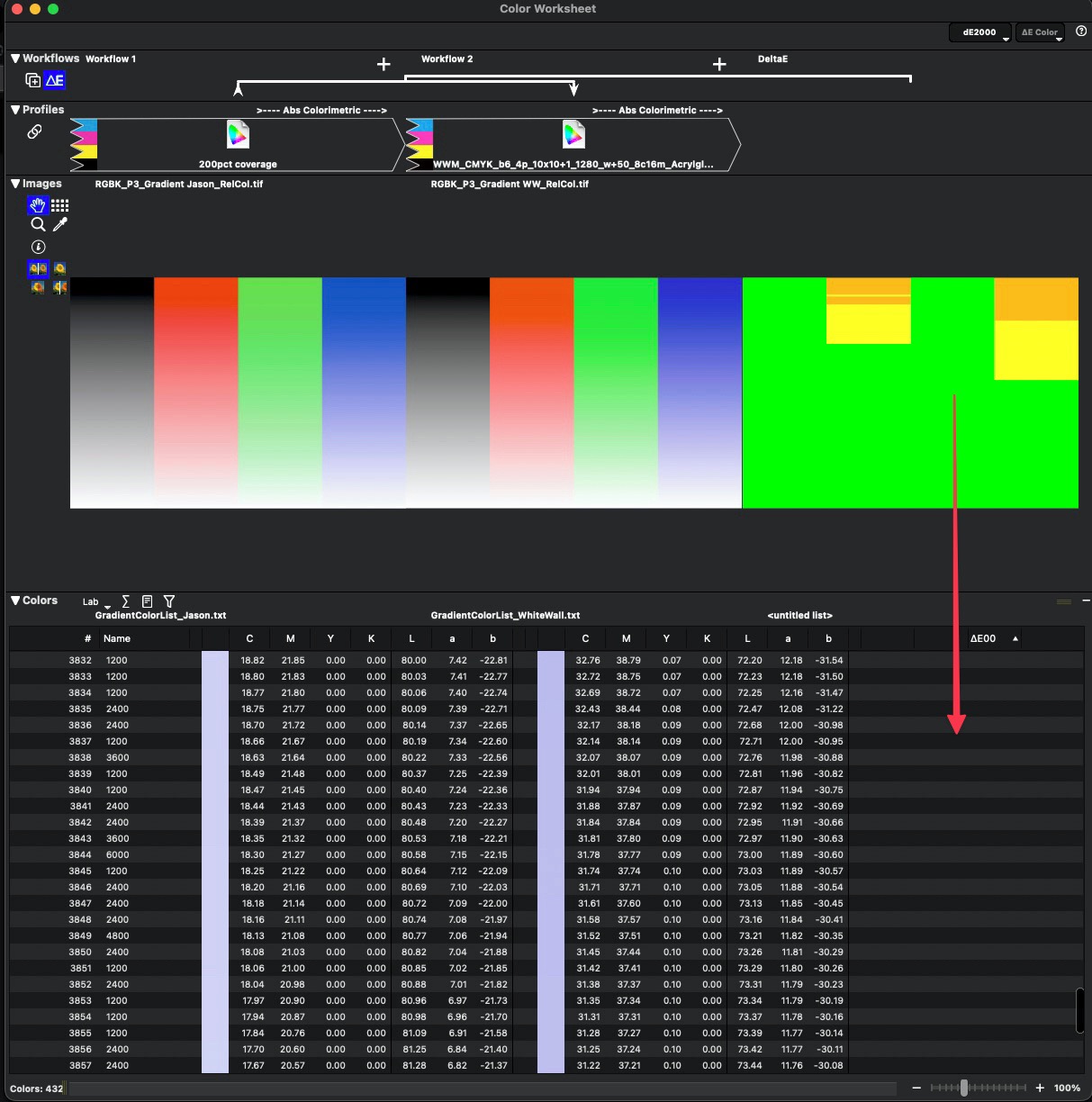
Lastly, what appears as another bug: No dE values (report), only the visual uptop:
Andrew,
A couple of questions, how big is the image file (dimensions) and which method did you use to extract patches?
I removed the dimension limits in a recent release so that images aren’t down-sampled before graphing / displaying / etc. It’s a bit dangerous but I thought it might bring possible problems out of the woodwork, so to speak. Clearly we need to display better progress indicators and look into the dE display issue!
If you could email me the file (or a download link) I can see what else might be going on.
Also, don’t forget the “Use as primary data source” option in the list popup which removes the image and uses the list itself. It can make a number of operations easier and faster

Steve
They were 4800x3300 pixels. I asked to extract all unique colors.